

What the account is for
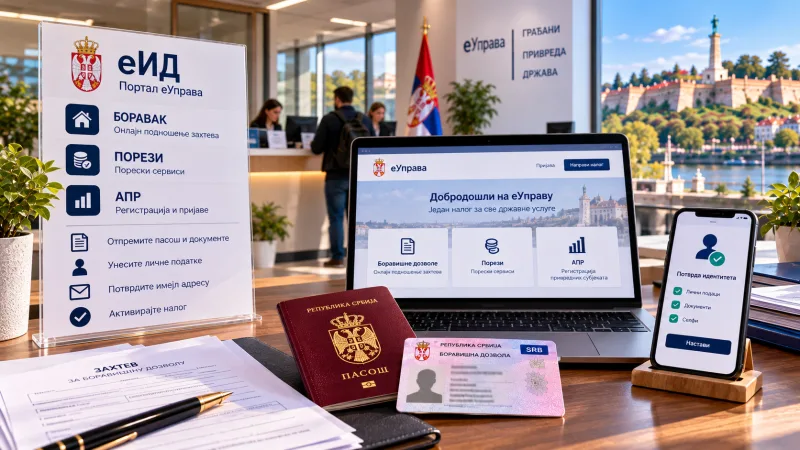
Serbia's government services mostly run online, and the way in is an account on eid.gov.rs. It is needed to submit a residence application over the internet, use tax services, file with the APR register, handle the eco-tax and obtain ConsentID — a service that confirms your identity in place of a paper signature.
What to prepare
Register through the link for foreigners, not the general form for citizens. Enter details exactly as they appear in your passport: first and last name in Latin script, document type — passport, the issuing country, the number without spaces and the expiry date. If you already hold residence or permanent residence and it has not expired, state that you have a foreigner's number and enter the EBS — a thirteen-digit number beginning with your date of birth; it appears on the sticker in your passport or on the back of the foreigner's ID card. If you do not yet have residence or it has expired, answer that you do not have the number.
Which files to upload
The order matters. First file: the passport page with your photograph, that page alone rather than the whole spread. Second: a scan or photo of the ID card or sticker, specifically the reverse side bearing the thirteen-digit number. The site offers automatic recognition: you can tick the box and have the data filled in, but if the software reads it incorrectly you must correct it by hand.
Why registration most often fails
The most common mistakes: registering through the citizens' form instead of the foreigners' form; filling it in on a phone, so the captcha fails; a password that is too short or contains disallowed characters. The password must be eight to sixteen characters with an upper-case and a lower-case letter, a digit and a special character; underscores, hyphens and brackets can block account creation. The passport scan must be up to one megabyte, in PNG or JPG, and no more than about 600 pixels on the long side. And one more frequent cause: the browser page is translated into another language — automatic translation breaks the form, so turn it off.
What next
After registering, try logging in — that immediately shows whether the account works. If you intend to use the services fully, stronger authentication will eventually be needed: a digital certificate on a card or ConsentID. If you already had an account but your status changed, for example you obtained permanent residence, it is simpler to register a new one: the old email can be freed up, but access to tax and other services has to be obtained again.
What to do step by step
Prepare three files: the passport page with the photo, the reverse of the ID card or sticker, and, if you have residence, the EBS details. Open the foreigners' form on a computer, not a phone. Turn off the page's automatic translation. Enter the data in Latin script and upload the files in the right order. Check the recognised data by hand. Choose a valid password and wait for the email — it arrives almost immediately, and if it has not, the problem is in the data, not the site.
Data checked on 11 October 2026: the registration procedure and list of common mistakes per the official form for foreigners and community experience.